 Comparison
Best Emergency Roadside Assistance Apps Compared
Quick Summary
The best roadside assistance app is one that covers the roads you drive, responds at night, and tracks your location in real time. Decide first whether you want a standalone app or coverage tied to your car insurance.
- Free app downloads do not always mean free service, so confirm what you pay per request.
- Look for a clear quote before any work starts.
- Choose an app that offers phone support as a backup if the app fails.
- Check that the provider covers the Indiana roads you drive most often.
Table of Contents
- Best Emergency Roadside Assistance App Options Compared
- Free and iPhone or Android Options for Emergency Roadside Help
- Choosing Your Emergency Roadside Assistance App in Indiana
- Frequently Asked Questions
Best Emergency Roadside Assistance App Options Compared
Last Updated: November 23, 2026
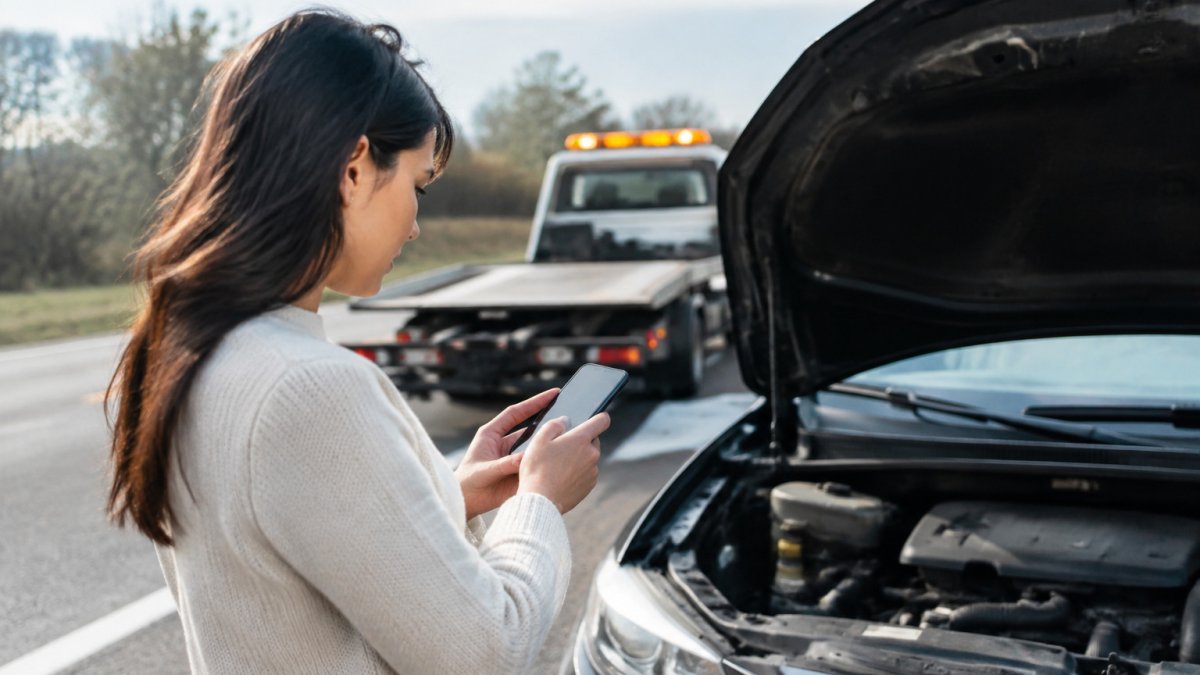
Stranded on a highway shoulder, the fastest way to get help is often the app already on your phone. The right app depends on whether you want free help, how you pay, and where you drive.
Here is how we would start: decide if you want a standalone roadside app or coverage tied to your car insurance. Then check that the service reaches the roads you drive most in Indiana.
Free and iPhone or Android Options for Emergency Roadside Help
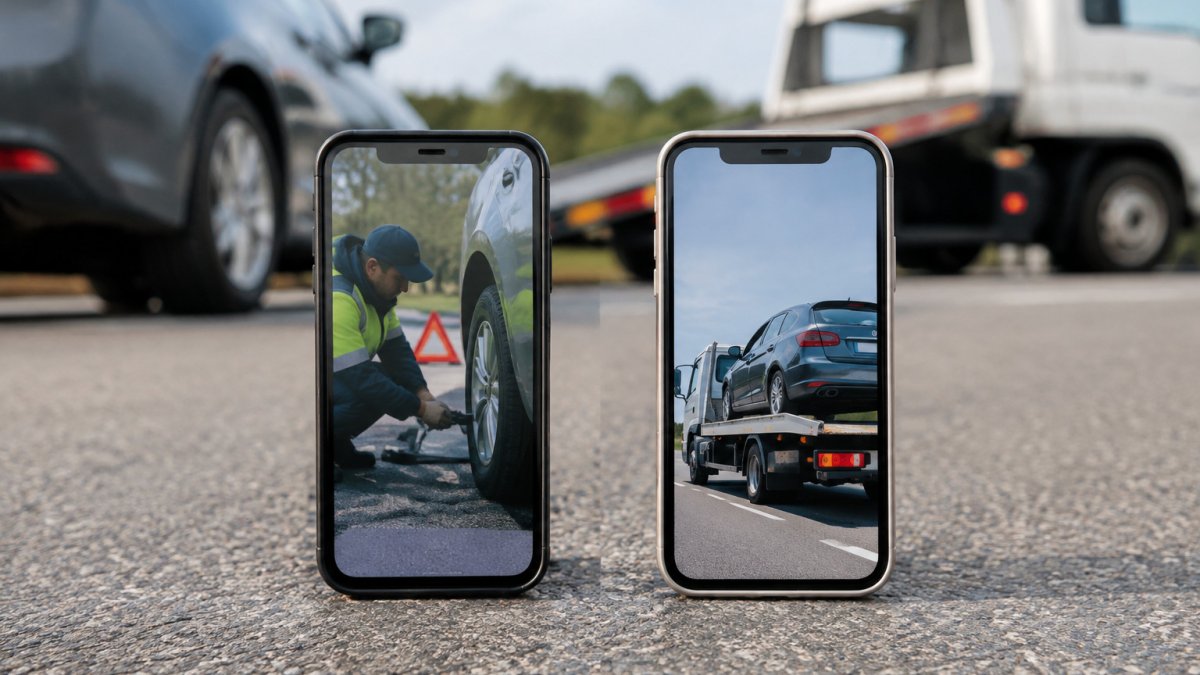
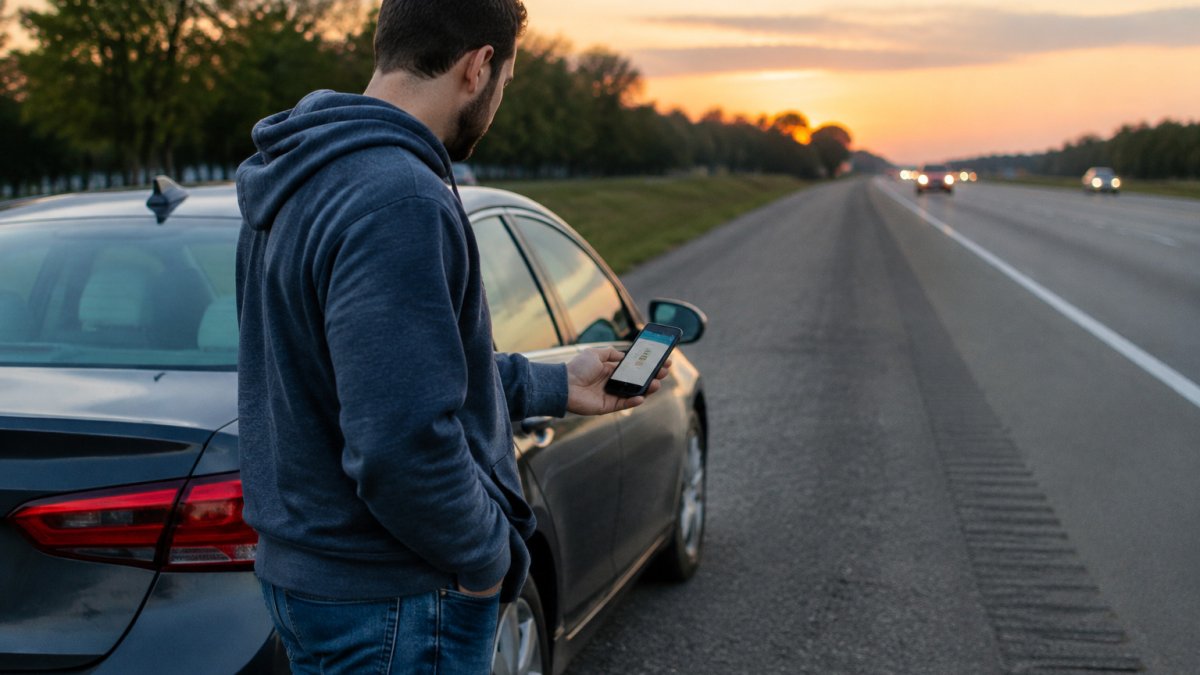
Many drivers look first for a free emergency roadside assistance app for Android or iPhone. Free tiers often cover the request itself, while the tow or service may still carry a charge. Read the terms before you call. Once a request is made, you can track a tow truck in real time on its live GPS position.
Watch out: an app that is free to download is not always free to use. Confirm what you pay per service before you request help.
Choosing Your Emergency Roadside Assistance App in Indiana
Pick an app that covers the roads you drive and can respond at night. First, decide whether roadside coverage is worth paying for at all in a complete guide to whether roadside assistance is worth it. Look for live location tracking, a clear quote before work starts, and support by phone if the app fails. For guidance on evaluating local providers, see how to choose a fleet roadside recovery service in Indiana.
Compare the features each provider offers, including availability, service tracking and request options, against your own driving routine. For a direct side-by-side of two specific services, see Honkforhelp vs EasyTowing comparison.
The article points to a few features worth checking before you pick an app for Indiana roads.
| Feature | Why it matters | Source point |
|---|---|---|
| Road coverage | Covers the roads you drive | Covers Indiana roads you drive |
| Night response | Helps when stranded after dark | Responds at night |
| Live location tracking | Lets the provider find you | Live location tracking |
| Clear quote | Shows cost before work starts | Quote before work starts |
| Phone support | Backup if the app fails | Support by phone |
Get fast roadside help across Indiana with Bebanoch Roadside. Request service in the app and track your provider in real time.
Frequently Asked Questions
What is the best emergency roadside assistance app?
The best choice depends on whether you want app-based dispatch, a membership included with insurance, or a pay-per-request model. Bebanoch Roadside offers 24/7 availability, live GPS tracking of service providers, and an AI-powered assistant for quick requests. Compare coverage limits and payment terms against your own driving habits before you choose, and check the provider's website for current pricing or a quote.
Is there a free emergency roadside assistance app?
Most roadside apps are not free to use for service itself, because providers charge per job or through a membership. Pricing varies by provider and service type, so Bebanoch Roadside directs customers to its website for current prices or a quote. Confirm what the app charges before requesting service.
Which roadside assistance apps work on iPhone and Android?
Many roadside assistance providers offer apps for both iPhone and Android, though availability differs by company. Check each provider's app store listing to confirm the version for your phone. If an app is not available for your device, you can usually still request help by phone or through a mobile website. Always confirm how you can request service before you need it, so you are not searching for instructions while stranded on the roadside.